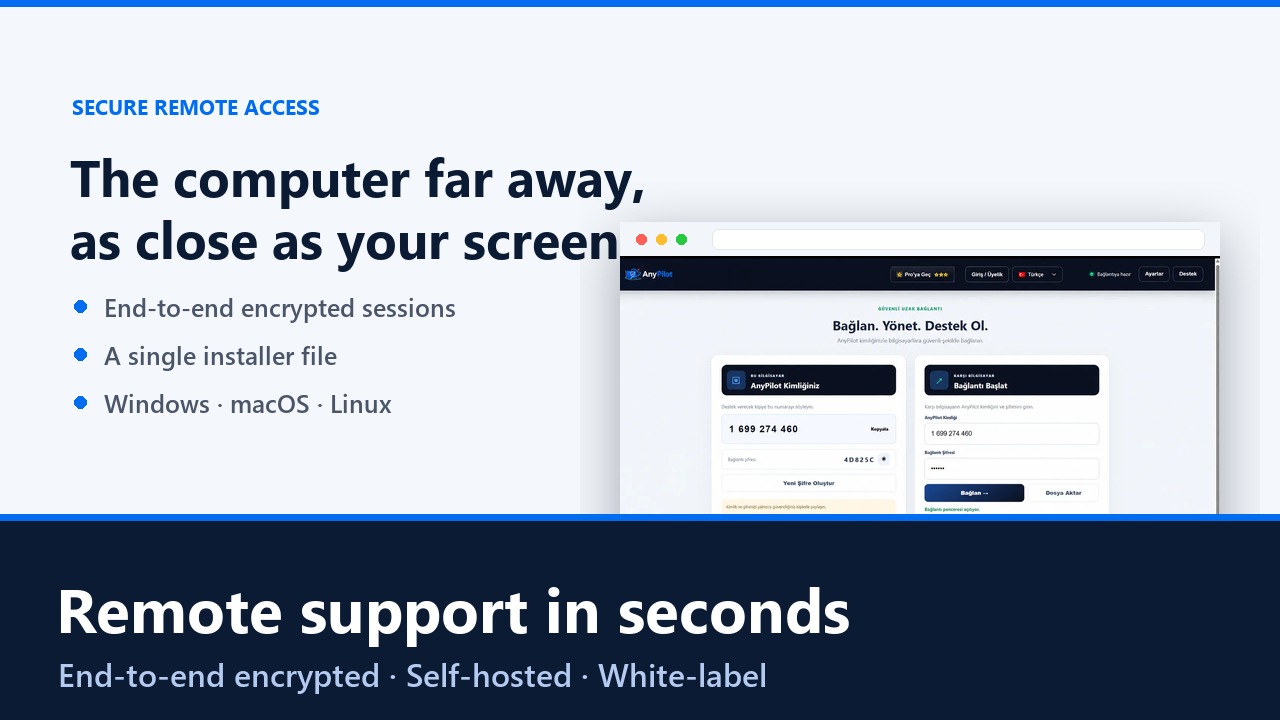
AnyPilot gives your team secure remote desktop access, file transfer and central device management — running on your own server, carrying your own brand.
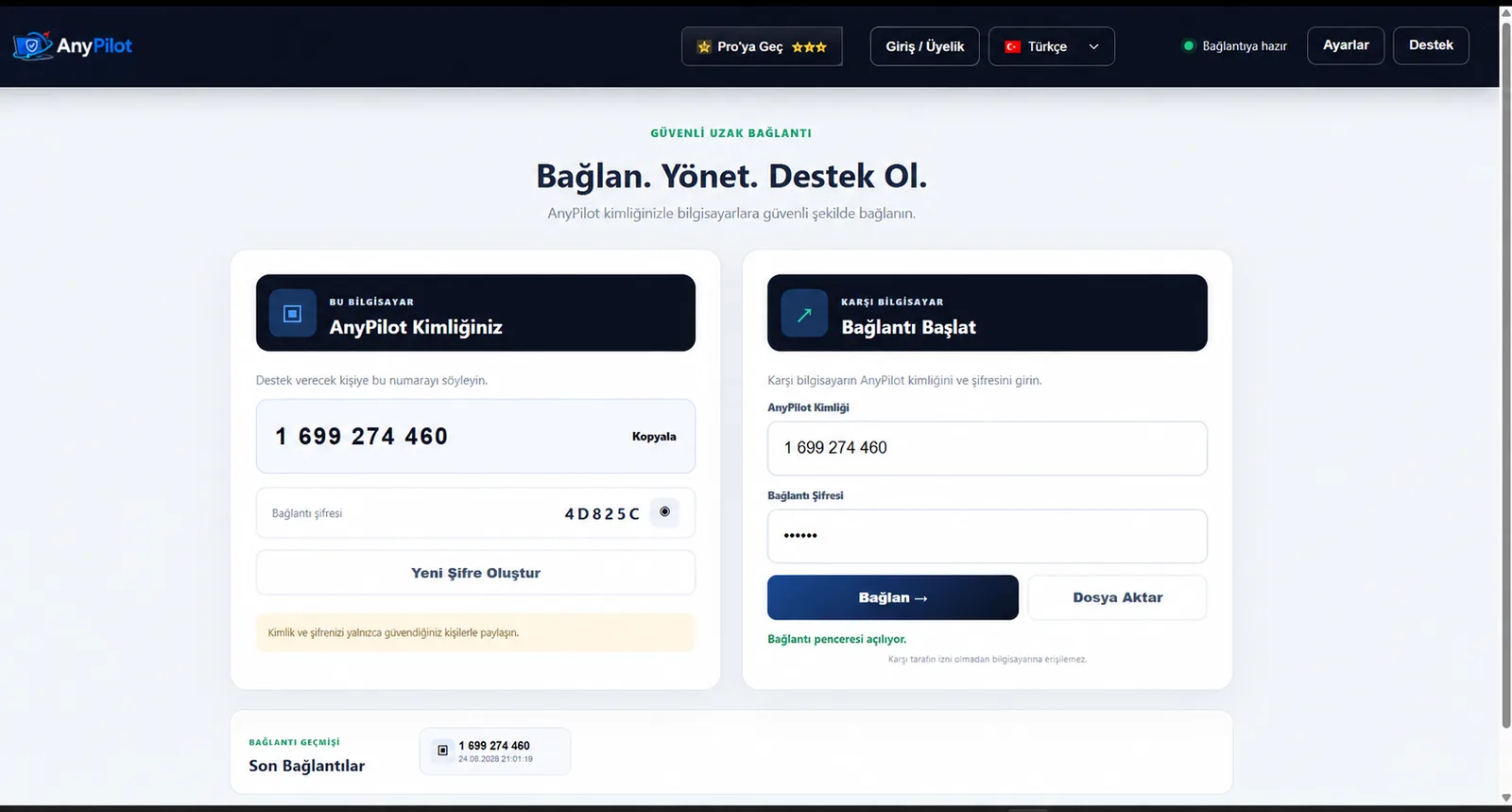
One ID, one password, one click — and you are on the other machine.
See and control the remote screen in real time, with low latency on ordinary connections.
Move files in both directions during a session — no cloud service in between.
Every computer you manage in one list: who is online, who needs attention.
Sessions start with an ID and a one-time password; nothing is open by default.
Traffic flows between the two machines whenever the network allows, so it stays fast.
The installer carries your name and logo, so your customers see a brand they trust.
A short walkthrough of a real support session.
 ▶
▶
A single file, no configuration. It can be distributed with your own branding.
Each computer appears in the central list with its ID as soon as it comes online.
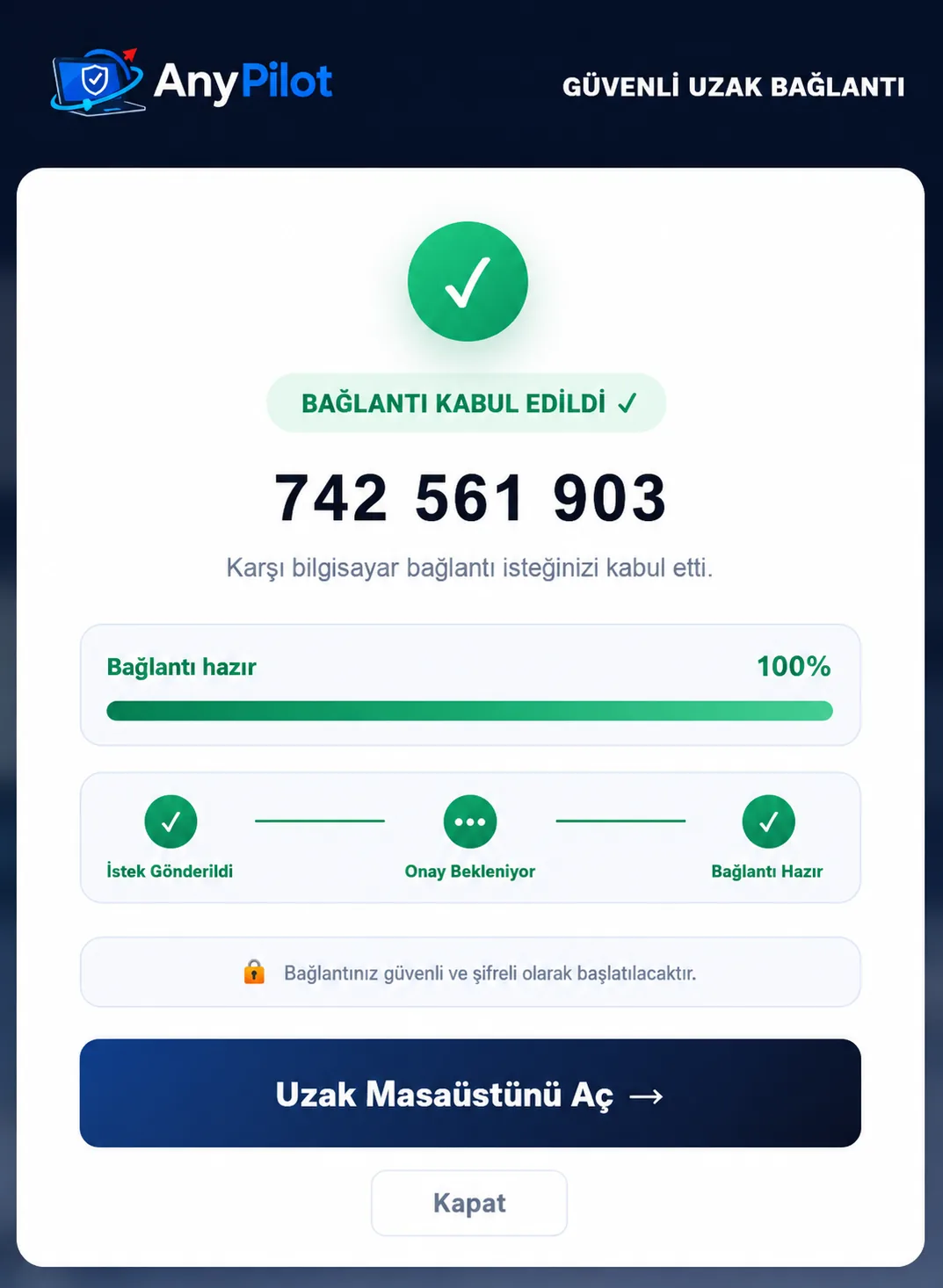
Enter the ID and session password and you are on the remote desktop in seconds.
AnyPilot is built to be self-hosted: the connection server runs in your own infrastructure, so session data never has to leave your organisation.
Screen, input and files are encrypted between the two endpoints.
Install the server on your own hardware or VPS; you own the logs and the data.
One-time session passwords can be regenerated at any moment by the device owner.
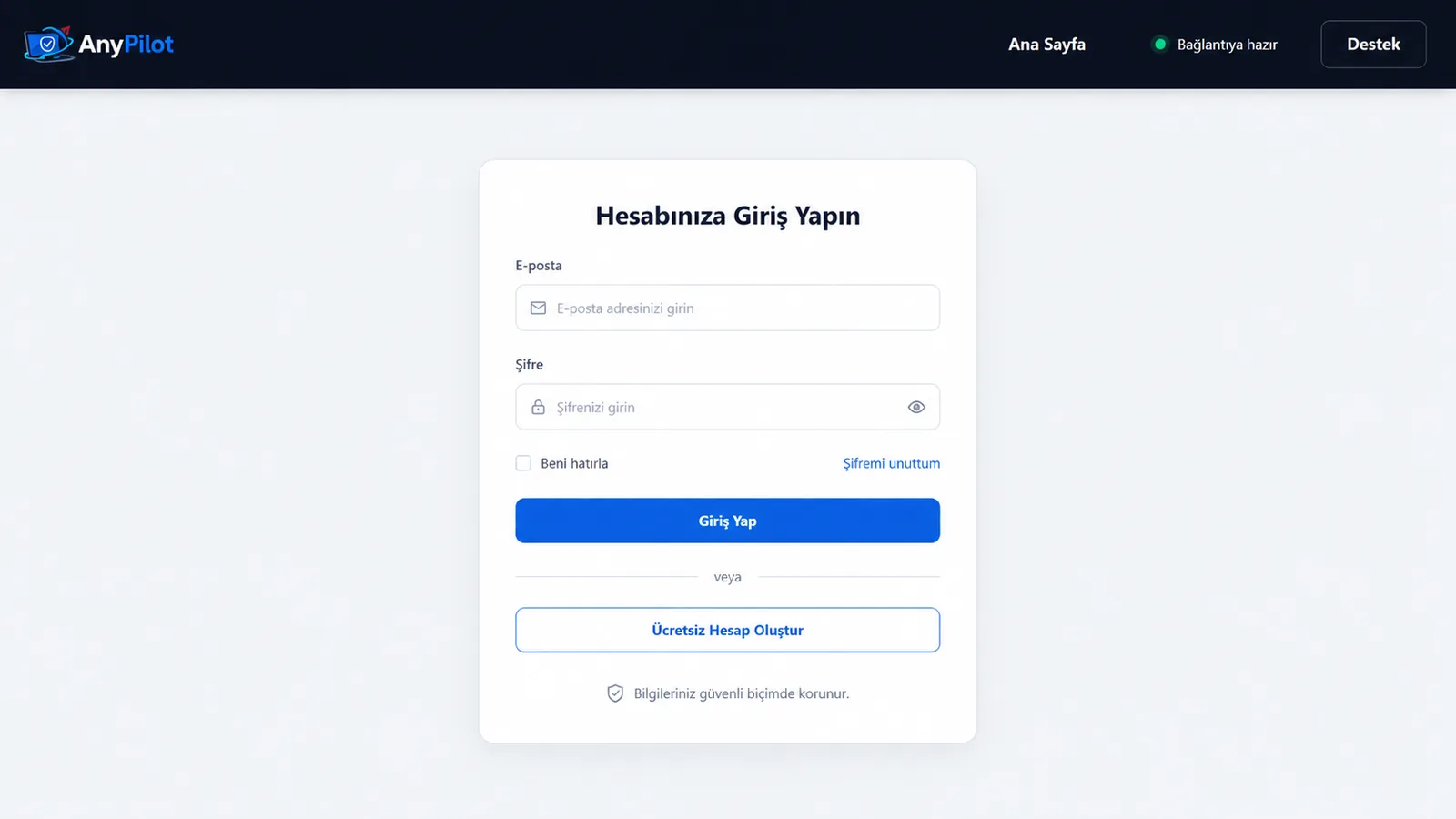
Real screenshots from the current version.
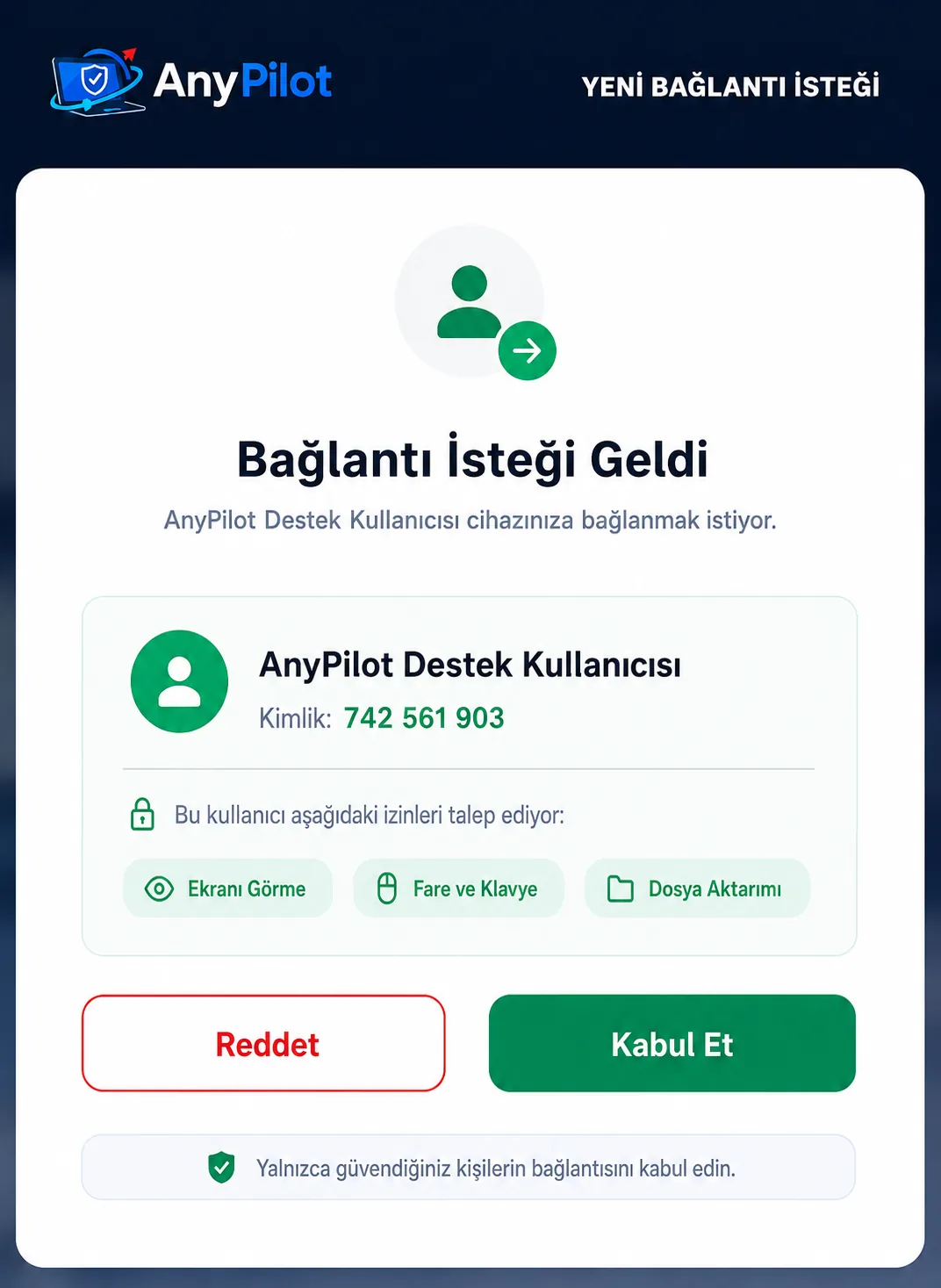
Windows 10 and 11 are available today. macOS and Linux builds are in preparation — tell us which platform you need and we will prioritise accordingly.
AnyPilot is designed to run on your own connection server, which is what keeps session data inside your organisation. We help with the initial setup.
Yes. The installer can be distributed with your name and logo, so your customers install a product that looks like yours.
Each session needs the device ID and a session password, and the traffic between the two endpoints is end-to-end encrypted.
Licensing depends on the number of devices and whether you want white-label distribution. Write to destek@gelisimapps.com and we will send a quote.

A Chrome new tab dashboard with tasks, notes, Pomodoro, weather and news — free on the Chrome Web Store.

Reads any web page aloud in a natural voice, highlights each sentence and translates into 25+ languages — free on the Chrome Web Store.
Set up AnyPilot on your own server and connect to any machine in seconds.
Request a quote AnyPilot