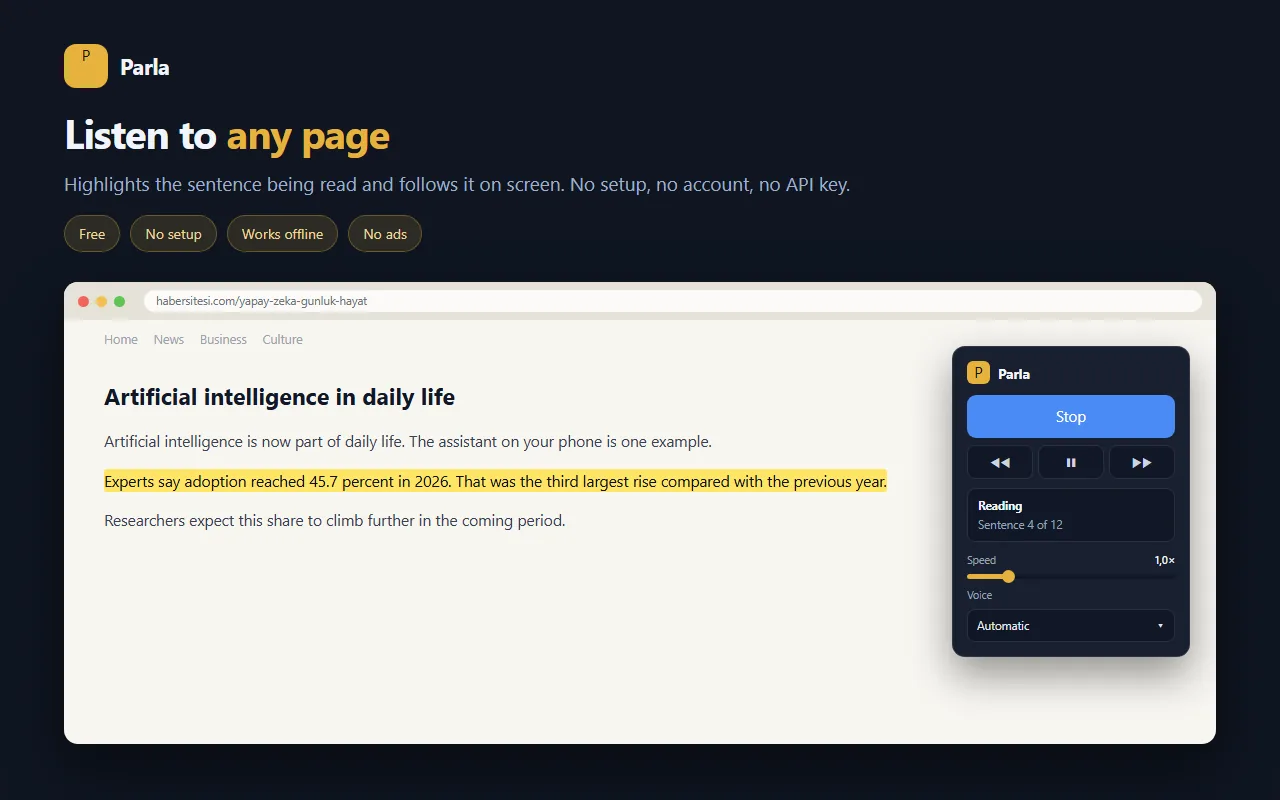
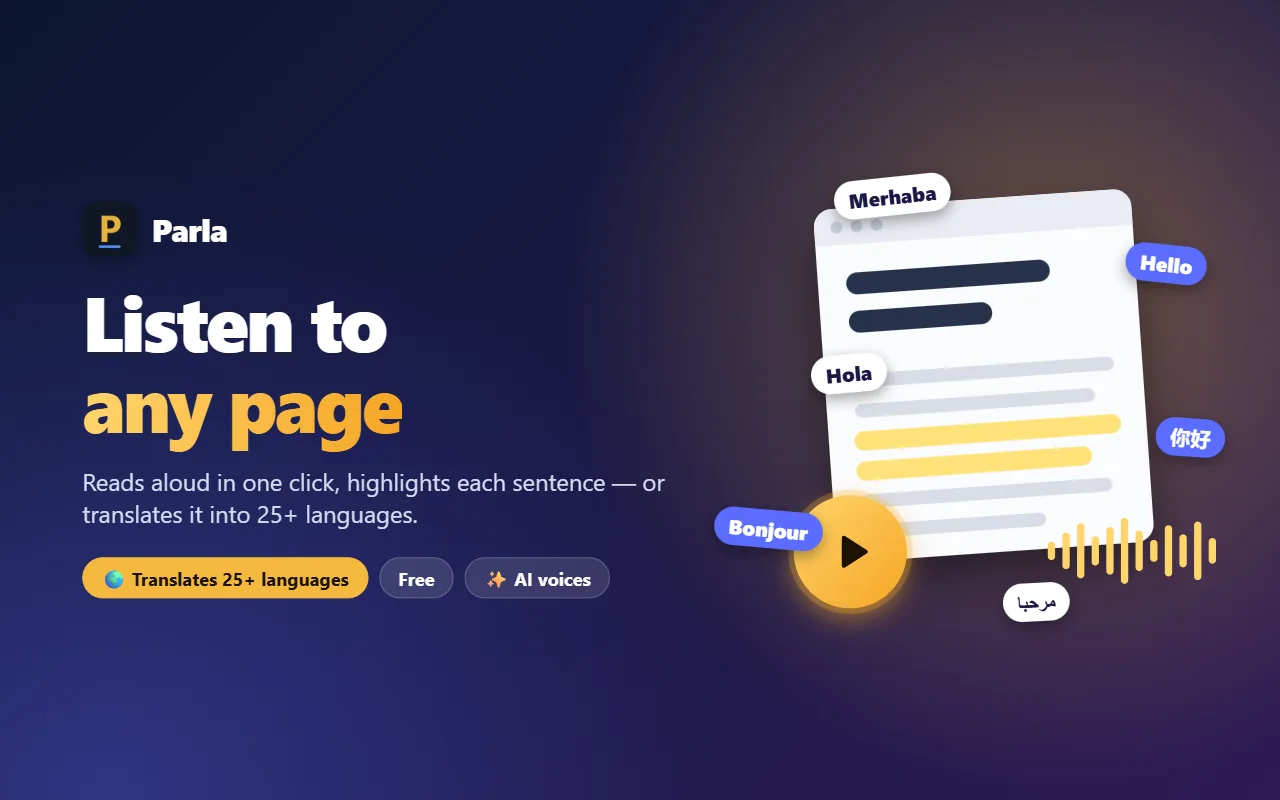
Parla finds the main text of the page you open and reads it in a natural voice. It highlights the sentence being read and follows it on screen. It can also translate the page into 25+ languages and read it in that language.
No setup · No account · The text you read is never sent anywhere
A short tour built from real screenshots. Sound on.
 ▶
▶Prefer Turkish? Watch it on the TR page.
No sign-up, no settings. One click adds it to your browser.
Press Add to Chrome on the store page. It's free and takes 10 seconds.
A news story, an article, a blog — anything you want to read.
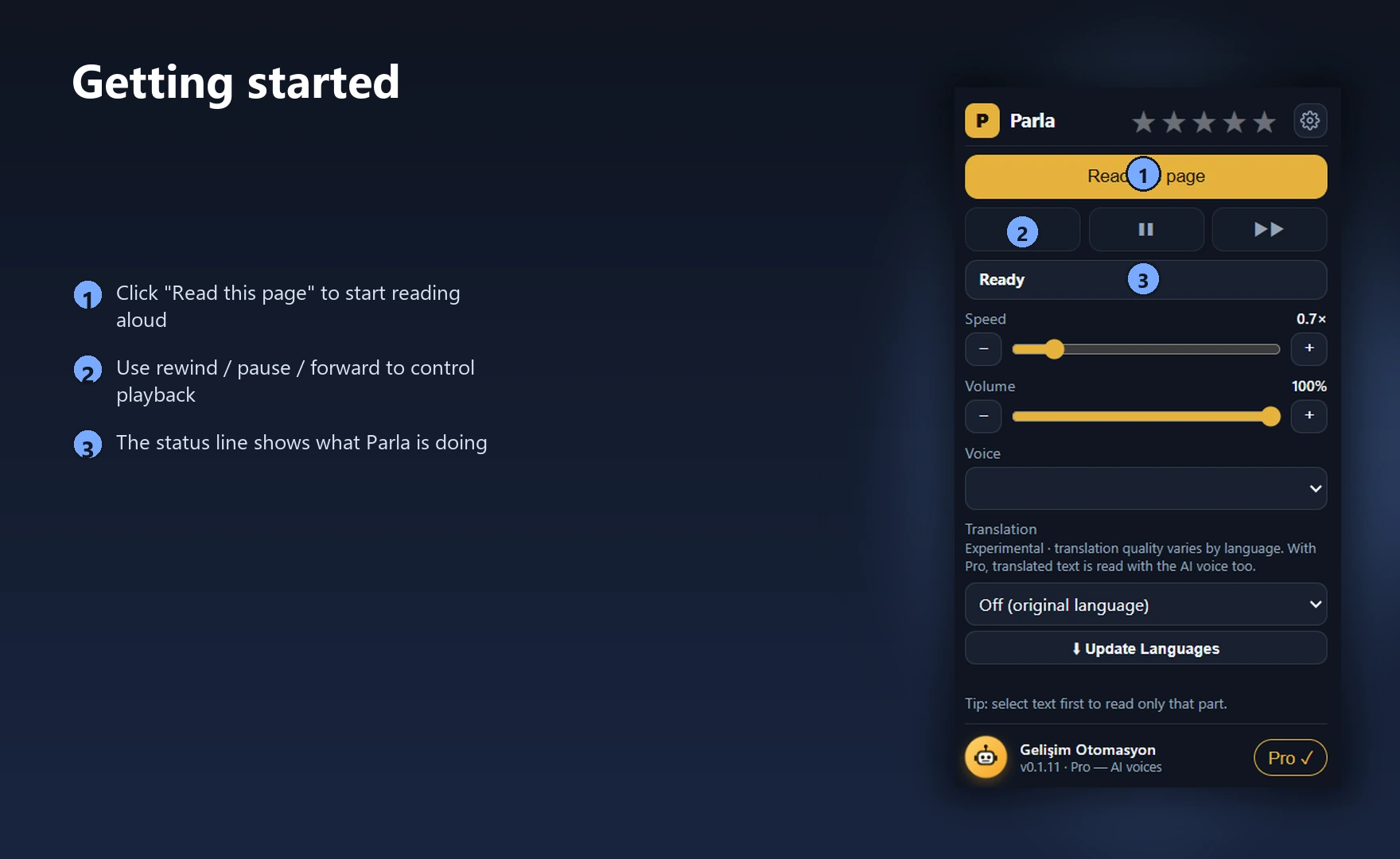
Click the P icon in the toolbar or press Alt + P; Parla starts reading.
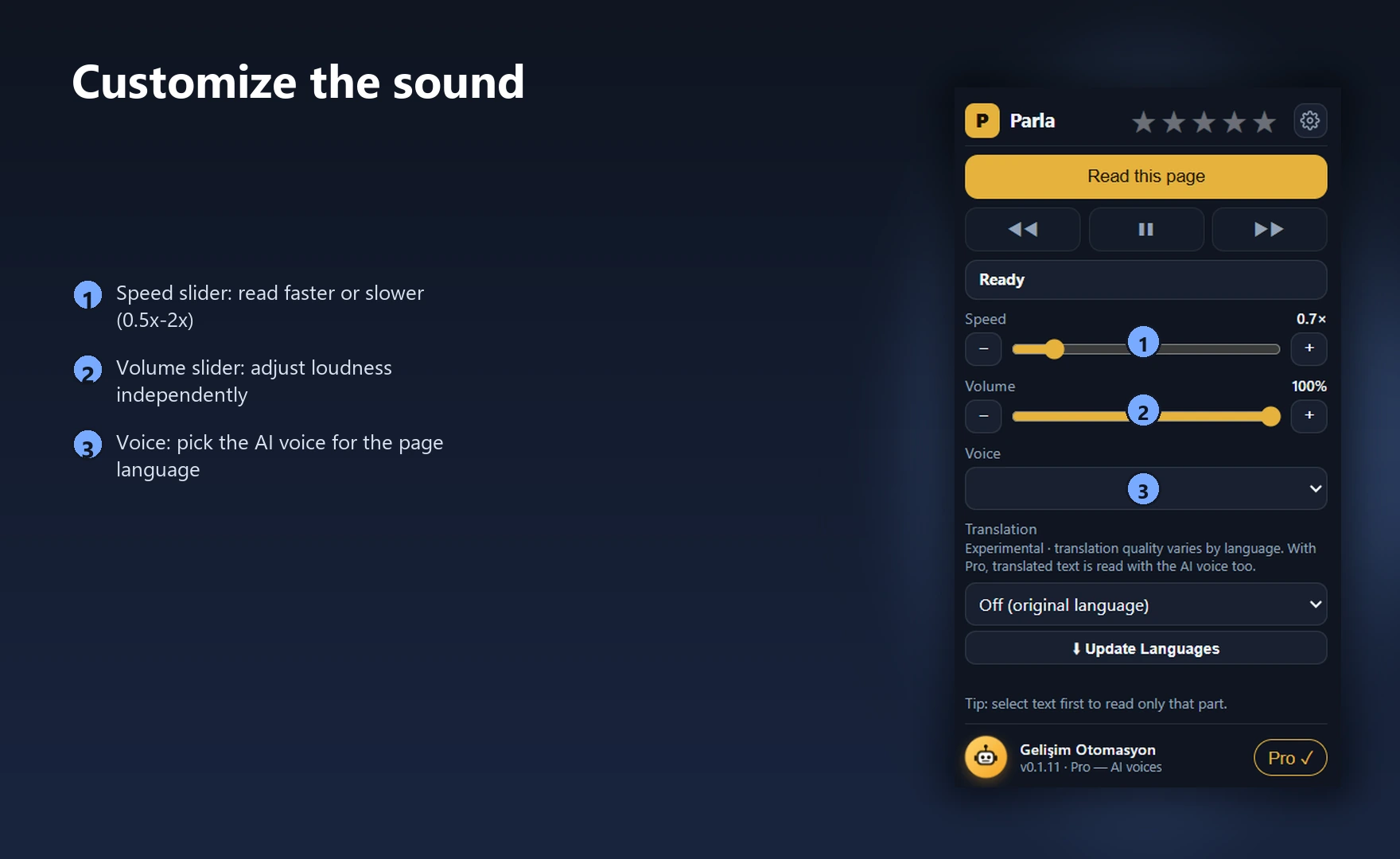
What each control does, step by step.
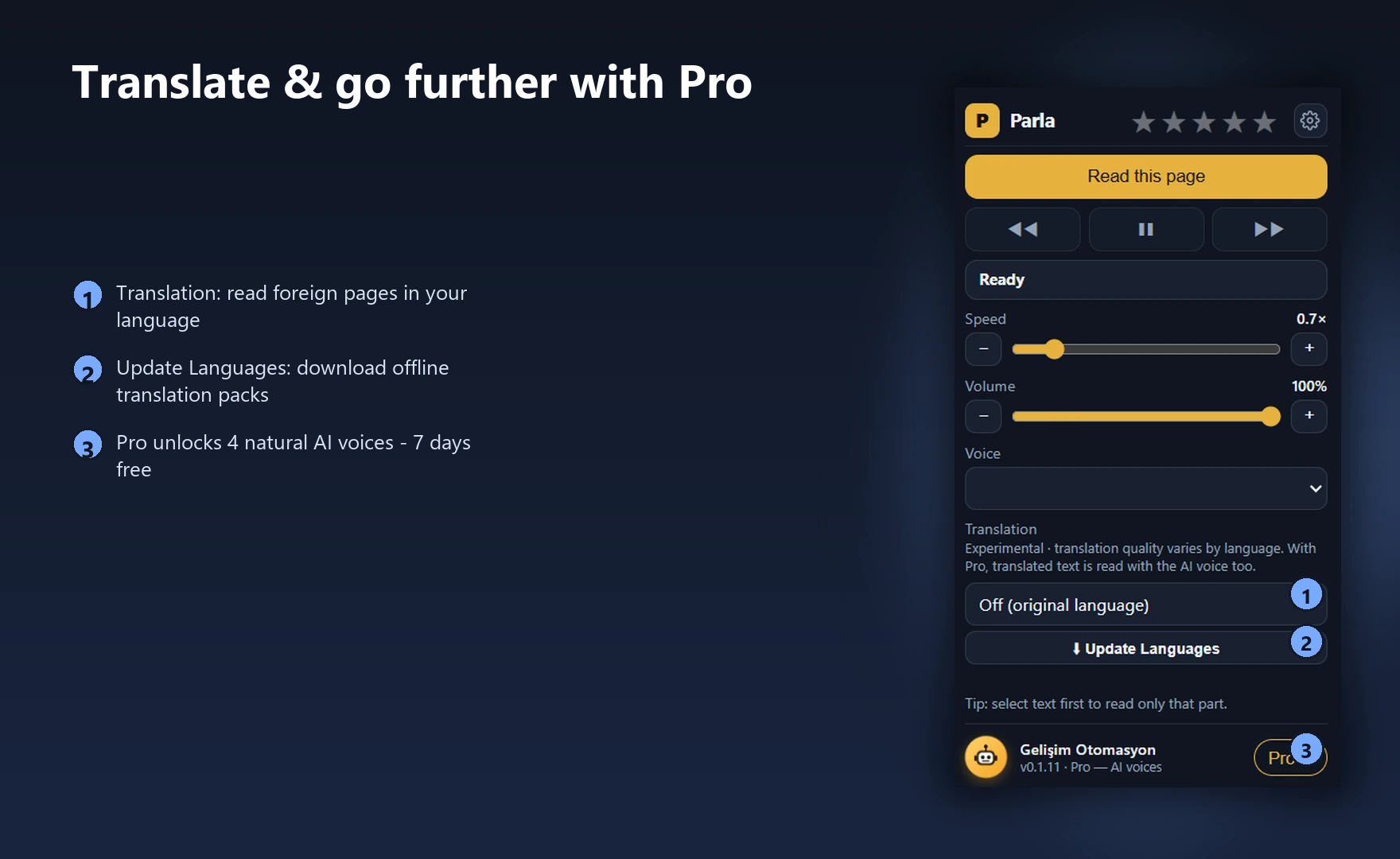
For tired eyes, long articles and busy days.
Skips menus, ads, footers and comments and goes straight to the content.
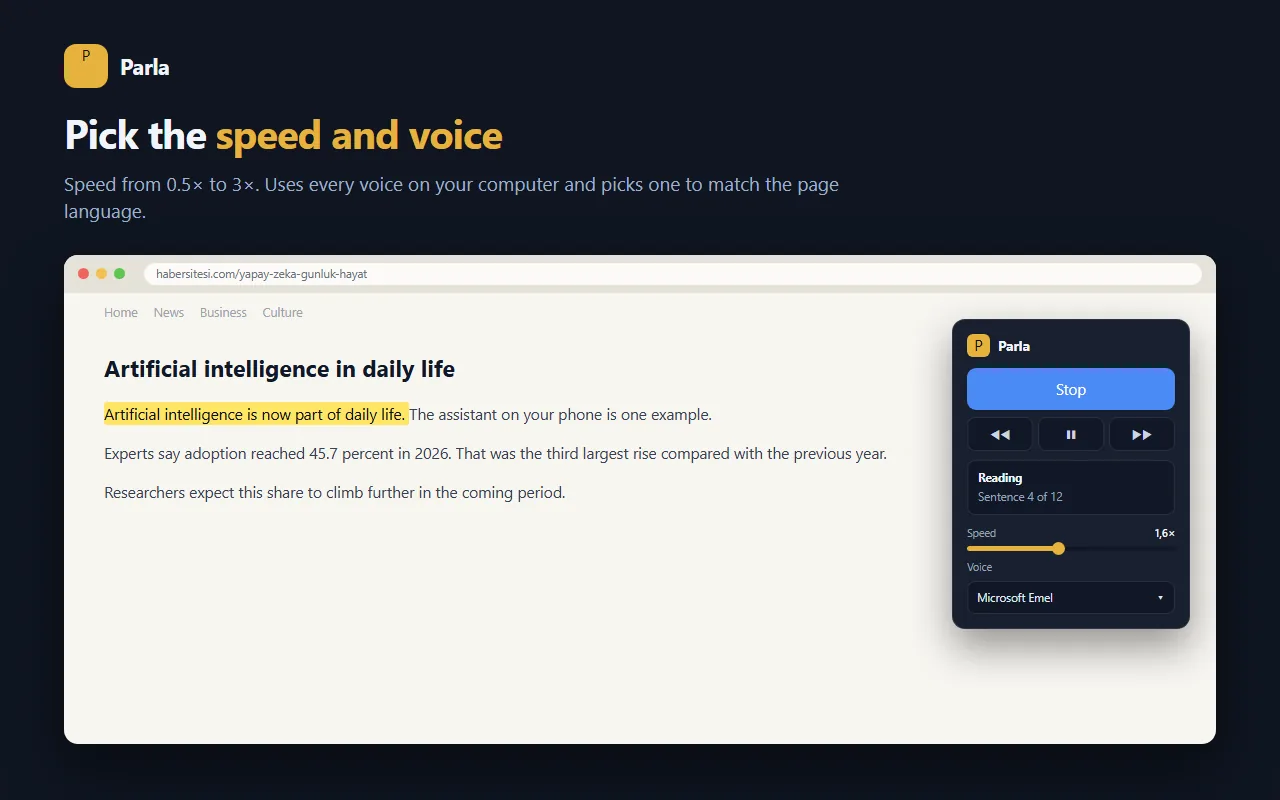
The sentence being read is highlighted and the page follows along, so you never lose your place.
Translate the page and hear it in that language, using Chrome's on-device engine — nothing is sent to a server. (Experimental)
Use the slider or one-tap − / + buttons; volume is separate.
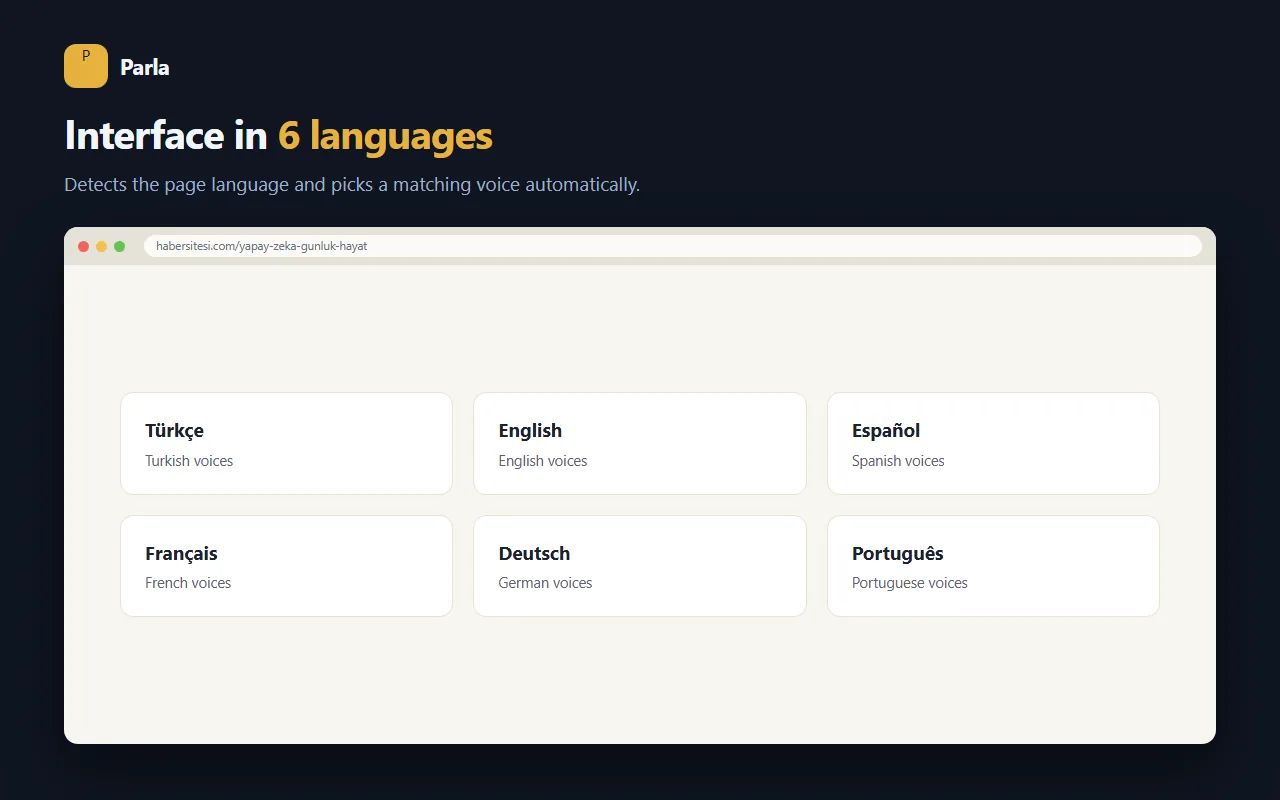
Detects the page language and picks a matching voice. Your voice choice is remembered per language.
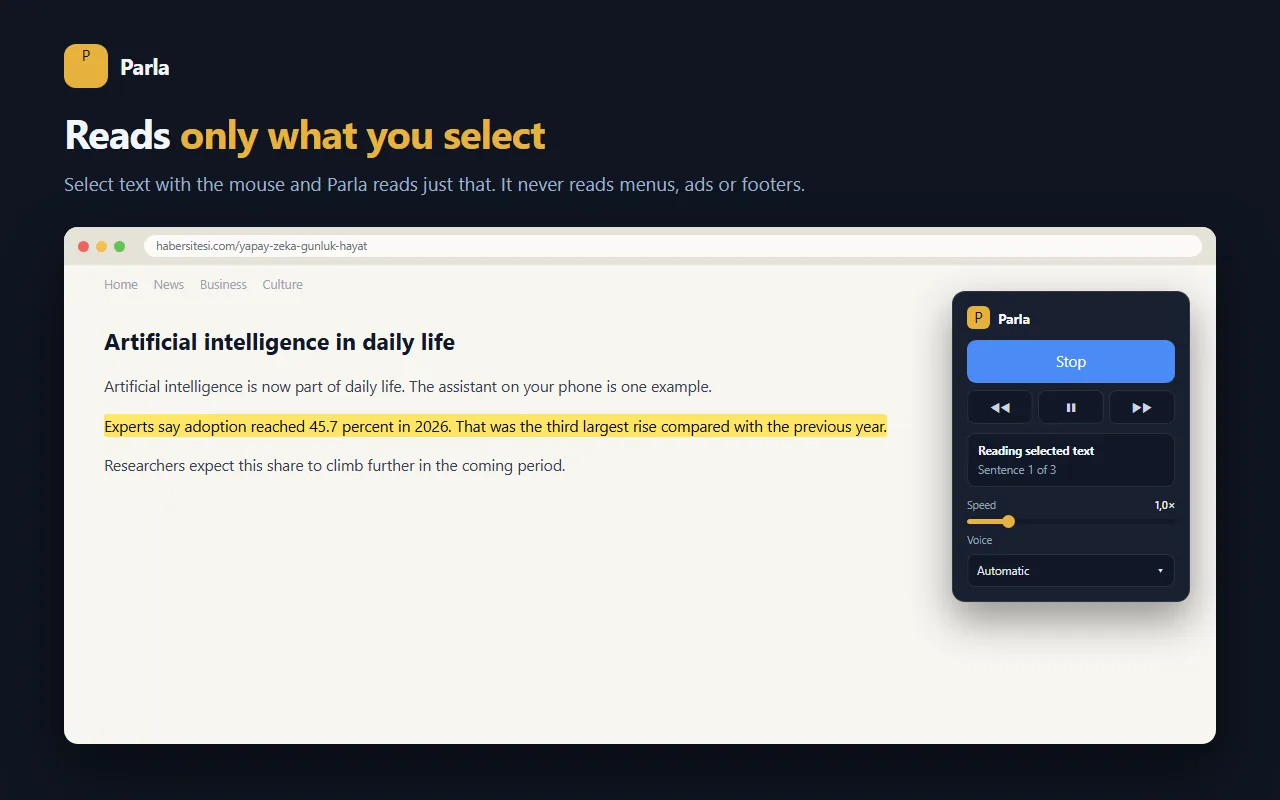
Select a paragraph first and Parla reads just that.
Start and pause without touching the mouse.
Premium voices that sound far more natural and human. Try free for 7 days.
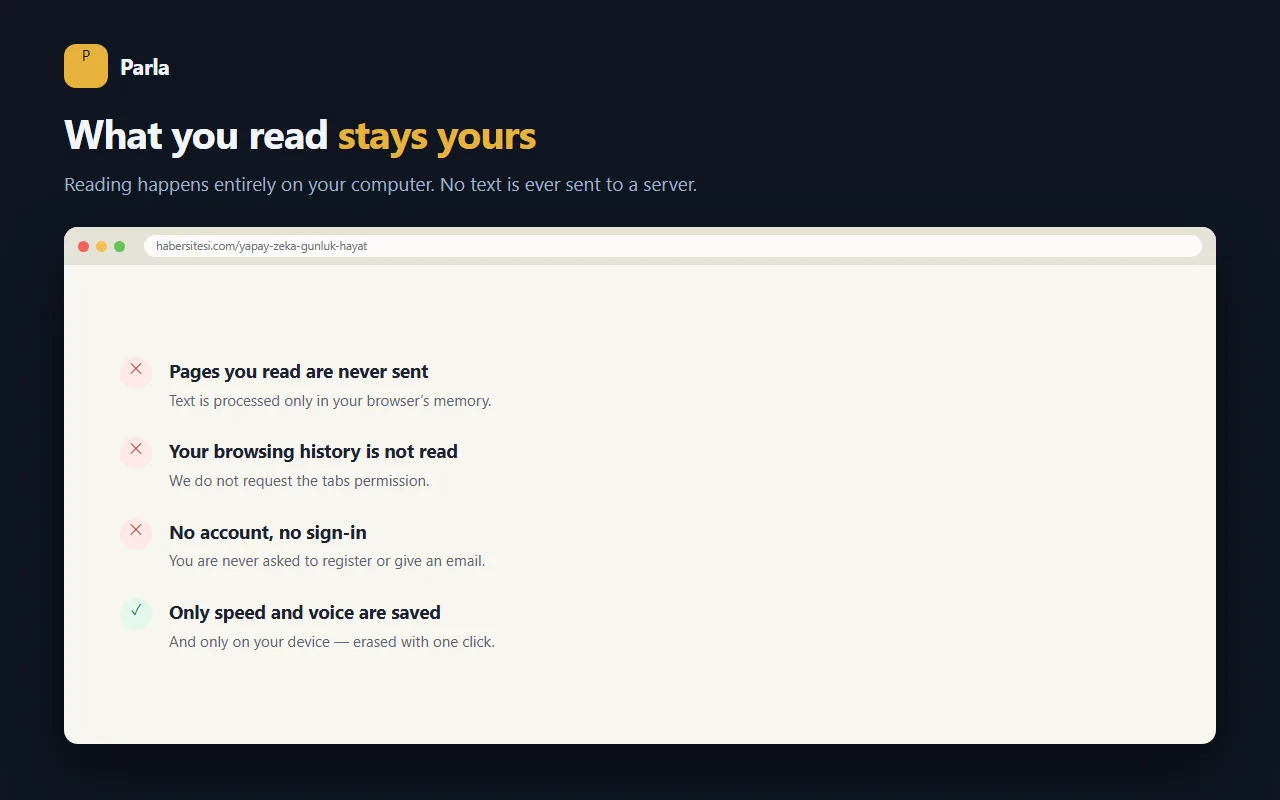
Reading happens in your browser. The pages you read and your browsing history are never collected.
Real screenshots of the extension.
Listen to long articles and lecture notes; keep going while you take notes.
Hear reports and news while you work on something else.
Hear a text in its original language and in translation, and catch the pronunciation.
Eye strain, dyslexia or low vision — follow the text with your ears.
Read aloud, highlighting and translation are free. Pro unlocks far more natural AI voices.
How Pro works
Yes. Read aloud, sentence highlighting, speed control and translation are free forever. Pro only adds more natural AI voices and is optional.
No. In the free version reading happens entirely in your browser. No account is needed, and there are no ad networks or trackers.
Any language installed on your computer. The interface comes in 6 languages; translation works for 25+ languages.
The free version uses your browser and operating system voices. On Windows you can add more under Settings → Time & Language → Speech. Pro voices are the same everywhere.
Chrome and Chromium-based browsers (Edge, Brave, Opera), installed from the Chrome Web Store.
Click the link in your purchase email — the cancel button is there. Cancel during the trial and you are never charged.
Installing takes 10 seconds and needs no account. Don't like it? Remove it in one click.
Add to Chrome — free⏳ Coming soon to the Chrome Web Store Parla
Parla